Why Your AI Tool Isn’t Broken But Your AI Mindset Might Be | AI Keynote Address
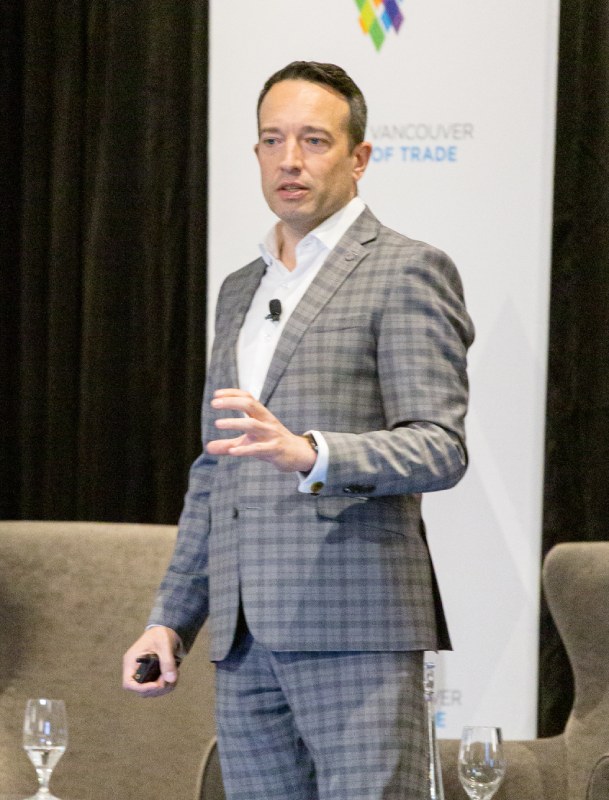
Excerpt from Shane Gibson’s AI keynote, ChannelNext West Toronto
One of my favourite comments from a recent AI keynote came from a senior sales leader who stood up in front of the room and said, “Microsoft Copilot made me cry.” The room laughed. They were smiling too, but only because everyone recognized the feeling.
Their organization had invested heavily in AI. Every employee had access to Microsoft Copilot Pro. Gemini was available as well. Leadership announced that people were expected to use these tools and improve their productivity, then everyone returned to the same jobs, calendars and processes they had the day before. For all practical purposes, that was the entire enablement plan.
I see a version of this in at least half of the sales organizations we work with. The licences are purchased, the launch email goes out and AI gets added to the list of management expectations. Very little time is spent showing people how generative AI behaves, which work it should support, what information it needs or how a good result should be judged.
The sales leader had started with a simple task. Copilot produced a strong answer on the first attempt, so they ran the task again. The second answer was different. A third attempt went sideways. They changed the prompt, opened another chat, added more instructions and eventually lost track of which version was closest to what they needed. A 5-minute job consumed a large part of the afternoon.
Copilot had done what generative AI often does when it receives a loose brief. It filled in the missing pieces with reasonable guesses. Some of those guesses worked. Others did not.
We Bring Old Software Habits Into AI
For 30 or 40 years, business software has taught us to expect predictable behaviour. An Excel formula gives you the same calculation every time. A CRM report changes when the underlying data changes. Press the same button tomorrow and the same process should run.
People carry that experience into ChatGPT, Copilot, Gemini and Claude. They type the same question twice and expect a matching answer. When the wording, emphasis or recommendation changes, confidence in the tool starts to drop.
Large language models generate answers from probabilities. They also respond to the information in the current conversation, the way the request is worded, any files or examples provided and the model’s interpretation of what the user is trying to accomplish. A small change in context can produce a different result, and even the same request can generate some variation.
That flexibility gives us software that can help write a proposal, compare account plans, challenge assumptions, summarize a sales call and generate discovery questions. It also means we have to manage the work differently. People need to give the model context, inspect its assumptions and refine the output. Most employees are never taught that part.
Imagine giving a brilliant 17-year-old a project. They have read more about the subject than anyone in the room and can work at remarkable speed. You give them a 2-sentence instruction, no examples, no background on the audience and no explanation of what a strong result looks like. Then you leave.
They will make assumptions and complete the assignment. Their choices may be intelligent, but they may not be your choices. When you return and say, “That isn’t what I meant,” they are hearing the missing part of the brief for the first time.
AI behaves much the same way. It needs the purpose of the work, the audience, the source material, the constraints and some indication of what good looks like. Then it needs feedback as the work develops. A prompt can start that process, but a prompt rarely contains the whole process.
Why Prompt Libraries Run Out of Road
A lot of people begin by collecting prompts. They save a few from LinkedIn, download a prompt library and keep searching for the instruction that will produce a perfect answer every time. This can help with simple, repetitive jobs, but it creates frustration when the task involves judgment or context.
The people getting sustained value from AI tend to work more like creative directors. They begin with useful source material, explain the outcome they are working toward and review the first response as a draft. They ask the model what it assumed, where the information is weak and what would make the answer more specific. They keep directing the work until it is useful.
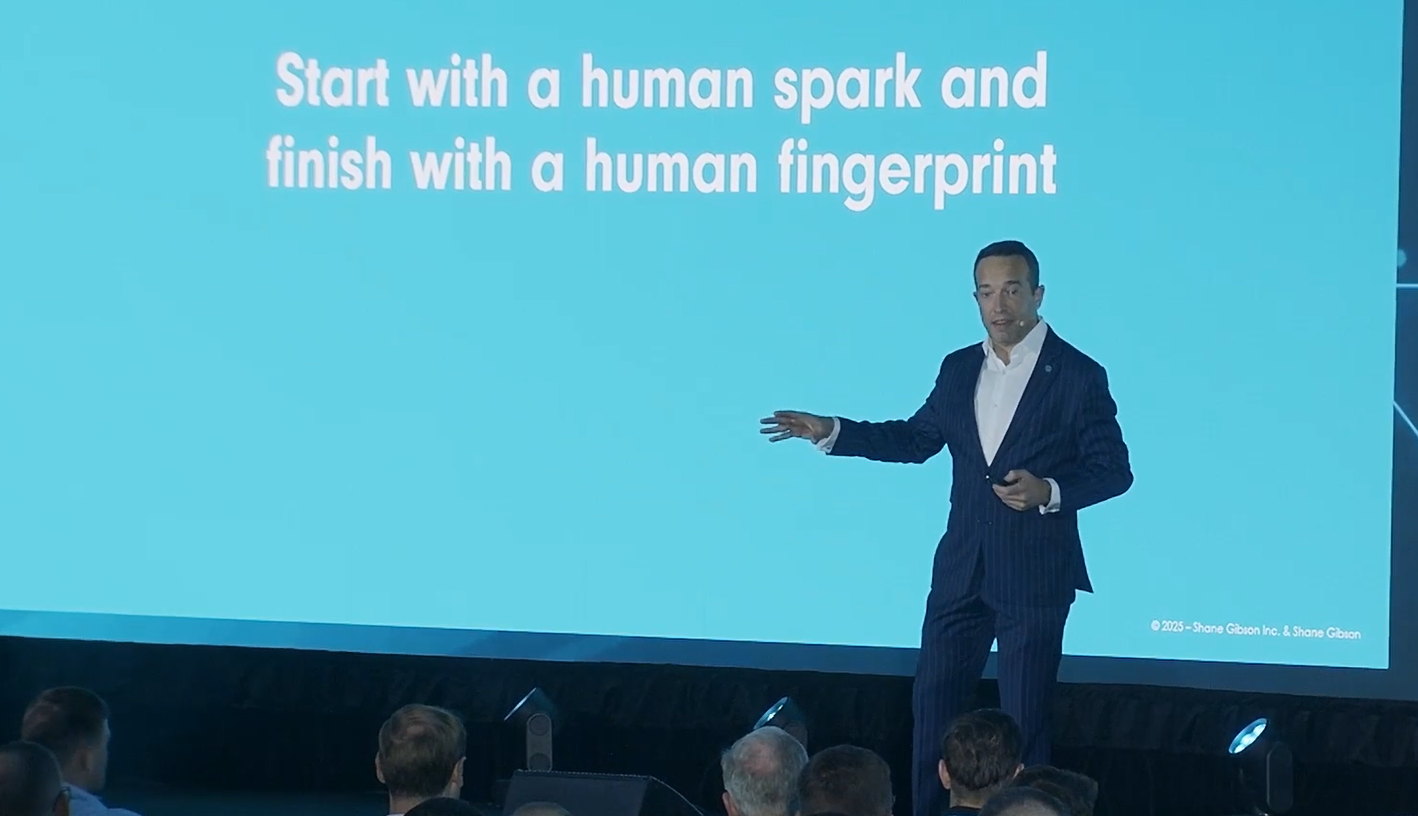
I use that approach in my own content process. I record my thoughts first, often as a fairly unstructured rant on my phone. My writing assistant has access to my books, keynote transcripts, methodology, worldview and examples of my work. It helps me organize the material, and then I edit the draft before it goes anywhere near an audience. That is what I mean when I say start with a human spark and finish with a human fingerprint.
The same discipline applies to sales work. Asking Copilot to “write a proposal” gives it almost nothing to work with. Give it a discovery transcript, the client’s stated priorities, the approved proposal structure, pricing boundaries and 2 examples of proposals that won, and the quality improves quickly. A salesperson still has to check the commercial logic, the accuracy and the promises being made to the client.
This is also why results vary so much between employees using the same platform. One person gives the AI a sentence and hopes for the best. Another gives it the materials, standards and feedback required to do the job. Both employees have the same licence, yet their working methods produce very different results.
AI Enablement Begins With the Work
Leadership teams often spend months comparing platforms and very little time examining the jobs people are expected to perform with them. Once the software decision is made, employees receive access to a general-purpose tool and are left to invent their own way of using it.
That produces dozens of private experiments, repeated mistakes and disconnected pockets of expertise. One salesperson develops an excellent meeting-preparation workflow. Another person in the same company spends 3 hours solving the same problem from scratch. A third gets a poor result, decides AI is unreliable and stops using it.
I learned a version of this lesson through one of my own experiments. I loaded an ideal client profile into an outbound AI platform, generated 10,000 prospects and let it run. I went to bed feeling quite pleased with myself. By morning I had hundreds of complaints, unsubscribes and reports. I had automated a process before testing it at a sensible scale, and the market sent me the feedback very quickly.
That experiment helped shape how I now build AI workflows. I work the task manually first. I get the prompt and source material producing a useful result several times. Then I turn it into a specialist assistant. Automation comes later, once the steps, boundaries and review points are clear.
Organizations need the same discipline. Before rolling out another agent, somebody should be able to explain the task it supports, the information it can use, the standard it must meet and the person responsible for reviewing the result. Client-facing work also needs a clear point where human judgment enters the process. The closer the work gets to a client commitment, price, risk or relationship, the more important that review becomes.
Three Practical Moves for This Week
1. Show your team how variation works
Use a real task from your business and run the same basic request 3 times in Copilot, ChatGPT or Gemini. Compare the results as a group. Look at what changed, which assumptions appeared and what information would have reduced the guessing. This gives people a realistic understanding of the tool in about 30 minutes and opens a much better conversation than another platform demonstration.
2. Build one complete workflow
Choose a recurring job that consumes time every week. Meeting follow-up, account research, CRM notes and first-draft proposals are usually good candidates. Map the current steps, identify the information required and write down what a usable output must include. Test the workflow with a small group before expanding it. Track the time saved, the corrections required and whether the finished work is actually better.
3. Capture what the team learns
Create one shared place for approved prompts, source documents, examples, checklists and short notes about where each workflow works well. Include failed experiments too. A failed test can save 20 other people from making the same mistake. Give each workflow an owner and a review date so the library stays current as the tools and the business change.
Bring one experiment into a regular sales meeting. Spend 10 minutes reviewing the task, the output and the adjustment made after testing it. Over time, those conversations turn individual experimentation into organizational capability.
What Leaders Need to Put Around the Tool
When I speak with leadership teams about AI, the conversation often begins with platforms. The useful part begins when we examine how people learn, how managers coach the new behaviour, where judgment belongs and how successful experiments become part of the way the company operates.
AI has made those management responsibilities more visible. Employees still need a clear process, good examples, useful feedback and enough room to practise. They also need permission to question an output that looks polished but misses the business issue.
A licence puts Copilot on the screen. The larger investment is teaching people how to work with it, building workflows they can trust and capturing what the organization learns. That is where the return begins to show up.